Sales (Instant Rebates)
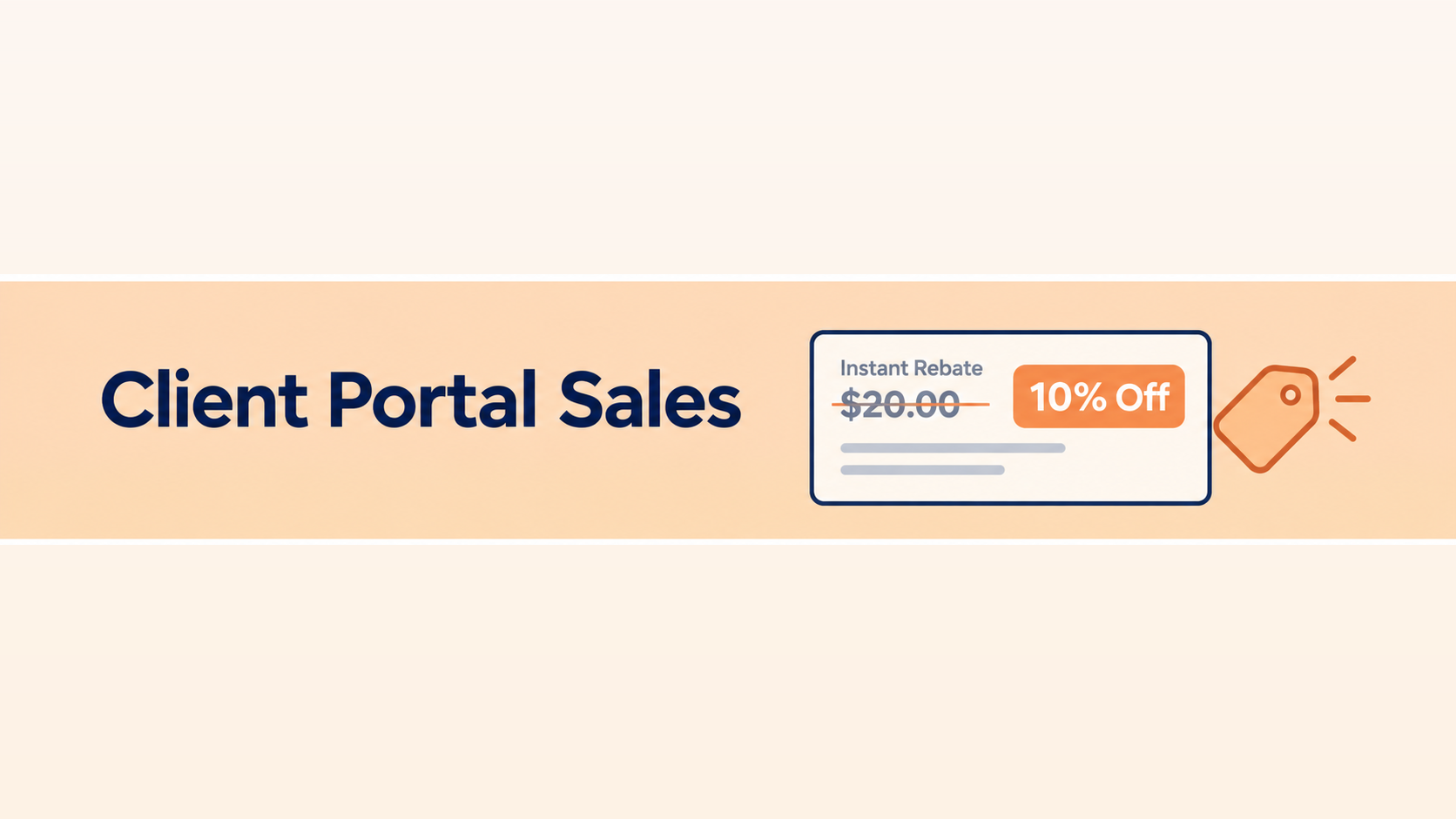
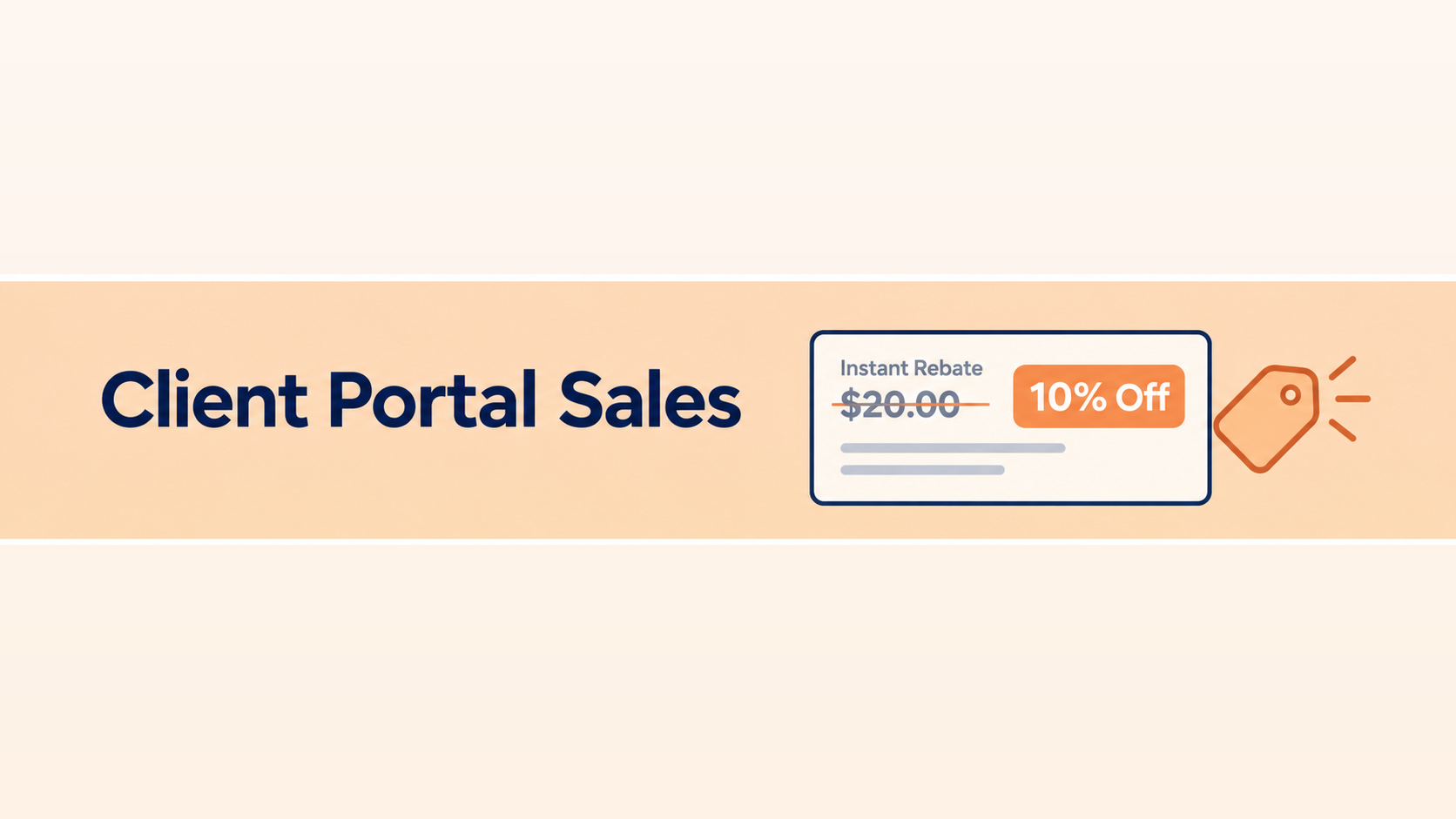
With the holiday season approaching, we want to make sure Direct Commerce Platform (DCP) brands are making good use of our Sales feature in the Client Portal. Also known as Reference Pricing or Instant Rebates, this feature allows you to schedule offers with custom messaging for your website with a start and end date. Perfect for Black Friday, Holiday Sales, blowouts, etc. As opposed to our Discount Code system, these instant rebates are automatically applied to items in a customer's cart, and strike-through pricing and customizable messaging are automatically populated on the product page itself.
When to Use Instant Rebates
Plan Your Holiday Sales
With the busiest shopping months just ahead, now is the perfect time to start planning your sales. Whether it's Black Friday, Cyber Monday, Hanukkah, Christmas, New Year's, etc., customers are starting to actively look for deals, and there are plenty of opportunities to squeeze in a sale event.
Beyond the Holidays
Instant Rebates don't need to be holiday specific. Fit in short flash sales like 24-hour or weekend-only deals at any time to create urgency and keep shoppers coming back. While instant rebates are best used for specific limited-time sales events, there is no limit to how long you want a sale to go, perfect for clearing out excess or discontinued inventory or boosting sales on slow-moving products. The Sales feature can also be used to promote Kit SKUs, making it easy to spotlight ready-made sets at a special price just in time for the holidays.
Messaging and Design: Keep It Simple
As with most of our features, we try to give you as much creative control as possible. Choose your own messaging and adjust styling when using our Component integration style.
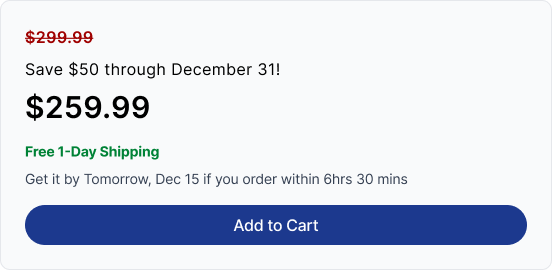
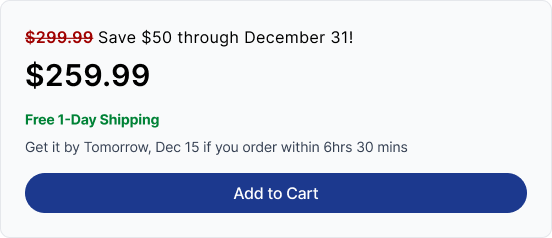
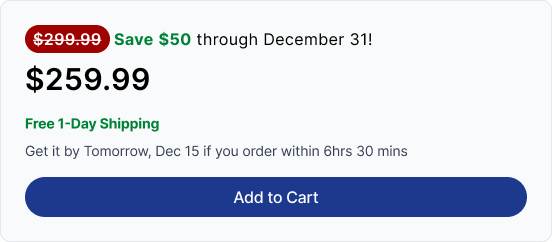
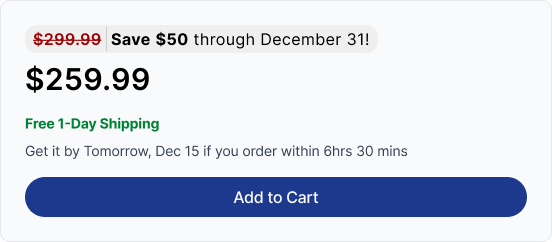
Observing the DCP clients that use Instant Rebates the most, we can say that when it comes to messaging and design, keep things simple. The strike-through pricing already shows the savings, so your message only needs to reinforce the offer. A short, clear message and simple design make your rebate easy to read at a glance, ensuring less friction and boosting your chances of conversion.
Design Examples
Here are some examples of our recommended instant rebate messaging and product page design.
Get Started with Instant Rebates Today
Submitting instant rebates is easily done right from the client portal. Simply download the rebate form from the "Sales" tab in the Client Portal, fill it out, and submit the completed form in that same tab. You can use this in tandem with the Item Mapping feature, where you can find SKU specific identifiers needed for the form, as well as view the instant rebate details such as price, messaging and dates for any SKUs currently included in an active Sales promotion.
Want more information? Reach out to the DCP team with any questions, and we’ll happily walk you through the details. Or head over to our documentation site to read the Instant Rebate Documentation.